Get a Quote
Design Assistant / For trade & project teams

From an idea to a clearer material brief.

Find the right questions before choosing a finish. Compare real product references, plan your quantities and give your supplier a brief they can work with.

Real catalog referencesYour measurementsA brief ready to share
THE MATERIAL EDIT01—03

Different constructions. Different specifications.
Choose by application, then confirm the finish.

Your material workspace

Three steps to a more useful inquiry.

Start anywhere. Your inputs stay in this page while you move between steps. Send the inquiry to save your request.

01 / Material shortlist

A surface first. A style second.

Compare actual catalog references for your project. Confirm construction and performance before choosing by appearance.

Changing the project, area or surface clears the shortlist and quantity estimate.

Visual direction

Concept palettes guide comparison; they are not available finish codes. Approve a physical sample.

Build a shortlist for one project area.

Choose your project, area and surface to see product photos, listed sizes and the details to confirm.

Know what you are comparing

A similar look is not the same material.

Keep construction, installation and order units separate when comparing these product families.

GH-01 — Fluted Wall Stickers · GH — WS-GH-01
Decorative covering

Self-adhesive wall coverings

Start with sheet or roll format, backing and substrate preparation. A fluted appearance does not make a covering a rigid WPC profile.

Confirm adhesion, pattern repeat and usable coverage.
Compare this family
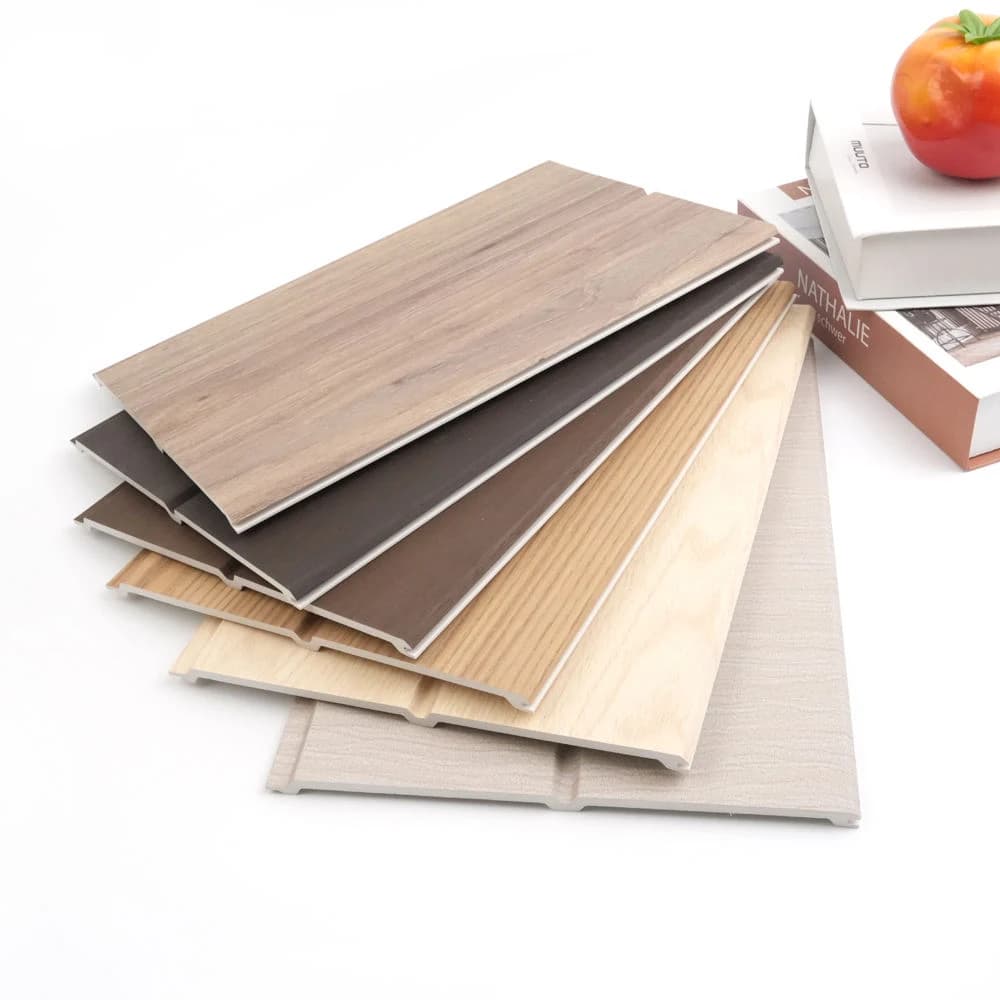
WP-001 — Interior WPC wall profile — WP-001
Interior wall reference

Rigid wall profiles

Compare the material construction, section and fixing system. WPC, PS, PVC sheets and bamboo-fiber boards need separate specifications.

Confirm section drawing, cover width and fixing details.
Compare this family
SC-2502 — PVC ceiling-profile reference — SC-2502
Overhead application

PVC ceiling profiles

Plan a ceiling from its profile drawing and support layout. Do not assume that a wall covering is suitable for overhead installation.

Confirm cover width, length, supports and ceiling fixings.
Compare this family
For your next decision

Practical reading for a better brief.

All buying guides
Before you send

Planning questions,
answered.

Need a model-specific review?
Talk to our sourcing team

What does the Design Assistant help me do?

It helps trade buyers and project teams shortlist current catalog references by project area, surface and visual direction, estimate covering quantities from their own measurements, and prepare a material inquiry. It is a planning tool; it does not produce architectural drawings or establish project compliance.

Are the product images and color palettes actual finish samples?

Product images are the catalog references linked to their model pages. The small color palettes are conceptual visual directions, not orderable finish codes. Request a physical sample and approve the exact model, finish and batch requirements before placing an order.

How are material quantities calculated?

The tool subtracts openings from gross surface area, then adds the allowance you enter. If you enter effective coverage per panel, box or roll, it divides the planned area by that coverage and rounds up to whole order units. It does not calculate a cutting layout, panel lengths or pattern matching. Confirm the final quantity and packing with the supplier.

Does the planner provide a current supplier price?

No prices are preset. You can enter your own price per order unit to calculate a material subtotal. Freight, tax, labor and accessories are excluded. Current supplier price, MOQ, packing, lead time and delivery terms must be confirmed in a quotation.

Can I use the suggested materials outdoors or in wet areas?

Exterior, balcony, kitchen, bathroom and other special-use areas are directed to specification review instead of automatic material selection. Send the intended surface, exposure, substrate, project location and required standards. Suitability depends on the exact model and installation.

How do I send the selected materials to your team?

Open Prepare inquiry, review the generated brief and use Add prepared brief to requirements. Enter your contact details, check quantities and submit the inquiry. A successful submission returns an RFQ reference. Planning alone does not submit a request or place an order.